
Henry Wang
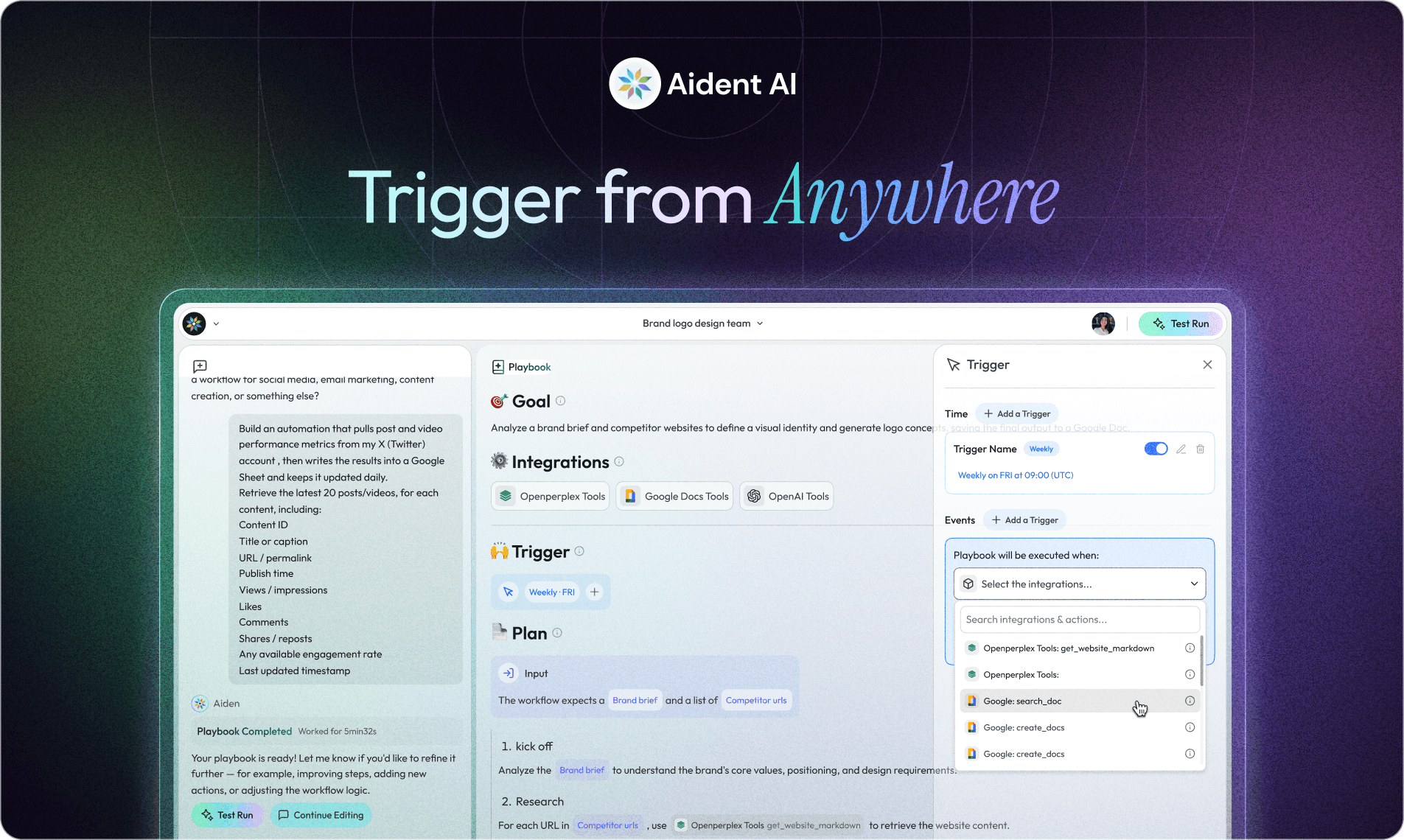
Event-Driven AI Automation: Trigger Workflows Anywhere
An automation can start on a schedule, from a user request, or when another system emits an event. Event-driven triggers reduce the delay between a meaningful change and the workflow that handles it, but they also require careful delivery, deduplication, and recovery design.
Schedule, Poll, or Event?
Trigger | Use it when | Main tradeoff |
|---|---|---|
Schedule | The work is periodic and latency is not critical | Simple, but may run when nothing changed |
Polling | The source has no webhook or event stream | Adds delay and repeated reads |
Webhook or app event | The source can notify you when work occurs | Requires authentication, retries, and duplicate handling |
Human command | Context and judgment should initiate the work | Depends on a user being present |
Schedules are not obsolete. A nightly reconciliation or weekly report is naturally periodic. Use an event when the source can express the business moment you care about, such as a submitted form, opened ticket, failed payment, or approved document.
Trigger Aident Playbooks Where Work Happens
Depending on the configured integrations, an Aident playbook can begin from a channel command, a schedule, or an application event. A request such as “analyze this approved competitor URL and draft a cited comparison” can start a playbook without requiring the user to rebuild its steps in the conversation.
For the competitor example, the workflow should preserve the source URL, compare named fields, and route uncertain changes for review. See Automate Competitor Monitoring for that design.
Design Event-Driven Workflows Safely
Authenticate the Source
Verify webhook signatures or use the application’s supported authentication method. Do not treat an internet-accessible endpoint as trusted merely because its payload looks correct.
Make Delivery Idempotent
Many event systems deliver at least once, which means the same event can arrive more than once. Store a stable event identifier or idempotency key so a retry does not send duplicate email, create duplicate records, or charge twice.
Acknowledge Quickly
Validate and accept the event, then process longer work asynchronously. A slow response can cause the sender to retry while the first execution is still running.
Define Retry and Dead-Letter Behavior
Retry transient failures with backoff. Route persistent failures to a review queue with the event, error, attempt count, and last known state.
Put Approval Before Consequential Actions
Research and drafting may run automatically; payments, public posts, account changes, and destructive updates often need explicit approval.
Example: New Lead Research
A CRM emits a new-lead event.
The trigger verifies the source and deduplicates the event.
The playbook reads the permitted company fields and public website.
It creates a cited briefing and marks missing data rather than guessing.
It posts the briefing to the assigned sales channel.
Failures enter a review queue instead of disappearing.
The goal is not simply to start faster. It is to start from the right event and preserve enough context to operate and audit the workflow afterward.
For the human coordination layer, read Project Management Is a Core Skill in the AI Era.
About the author
Henry Wang
Related posts





The one tool
for every tool
your agent needs.
Give any AI agent real capabilities in seconds. Connect 27,000+ tools once, skip the setup headache, and let your agents execute.