
Aident AI
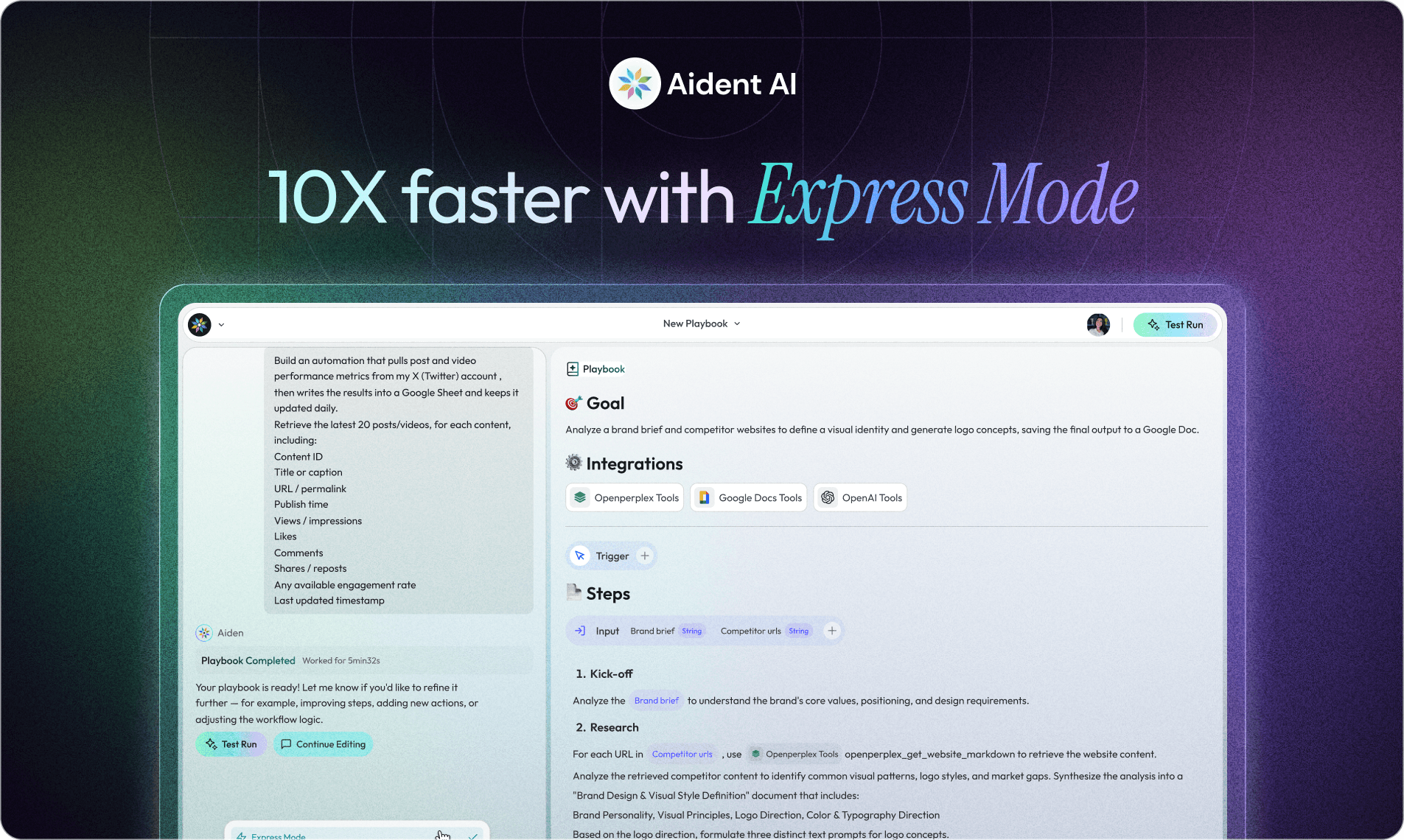
Why We Built Express Mode
Most AI automation platforms make you wait.
You describe what you want, then the system churns through planning, validation, compilation, reviews—sometimes for minutes—before you can run anything. We built that pipeline too. And for certain workflows, it’s absolutely the right approach.
But after watching how people actually use Aident, we had to admit something:
Not every workflow deserves a full committee.
So we built Express Mode: a fast path for the most common automations—where speed, legibility, and iteration matter more than heavyweight orchestration.
The Problem with Over-Engineering Simple Tasks
Aident’s original playbook generation pipeline is powerful. It spins up a team of specialized AI agents—a Project Manager, Requirements Analyst, Playbook Architect, Compiler, QA Specialist—each reviewing and refining the workflow before it’s ready to run.
For complex, multi-domain automations that coordinate across Slack, Gmail, databases, and APIs (and need branching logic, retries, safety constraints, and correctness guarantees), this orchestration is exactly what you want.
But our usage data showed something different for most users: the majority of workflows are simple.
Send an email when a form is submitted
Summarize a document and post it to Slack
Monitor a channel and log messages to a spreadsheet
These are usually linear 3–5 step sequences. They don’t need multi-phase planning and a QA gate. Yet we were putting every workflow through the same heavyweight process.
It was like requiring a full architectural review to hang a picture frame.
The Latency Tax (In Real Numbers)
In an internal comparison of the same simple workflow, the cost of “always-on orchestration” became hard to justify:
Playbook generation: 13+ minutes → 50 seconds
Execution time: 3 minutes → 20 seconds
These are first-party measurements from that workflow, not a guarantee for every playbook. The result depends on model latency, integrations, and the work being executed.
What Express Mode Actually Is
Express Mode generates and runs playbooks in a single LLM call.
No multi-phase pipeline. No compilation step. No QA review gates. You describe what you want, and the system produces a runnable workflow immediately.
Under the hood, Express Mode outputs a plain markdown playbook:
Objective
Inputs
Steps
Outputs
Inline references to the exact tools/integrations required
Then a single executor agent runs the steps sequentially. That’s it.
The full multi-agent pipeline still exists for workflows that genuinely need it. Express Mode is just the recognition that most don’t.
The Design Decisions That Mattered
Default to fast, upgrade when needed
Express Mode is the default for new playbooks because most users start with quick, linear automations—and iteration speed matters most early on.
If a workflow grows in complexity (branching logic, multiple systems, higher stakes, edge-case handling), you can upgrade it to the full pipeline.
Principle: start simple, scale the process only when the workflow demands it.
Editable by humans
Because Express Mode outputs markdown rather than a compiled multi-agent configuration, users can actually read and modify their playbooks directly.
We also added section-specific editing—you can update just the Steps or just the Input Format without regenerating the entire playbook. This was a deliberate tradeoff:
structured agent configs are more powerful
markdown is more accessible and easier to iterate on
One LLM call, not six
The full pipeline makes 4–6 LLM calls across different agent roles, each adding latency and coordination overhead.
Express Mode makes one call, with parallel tool discovery when needed to resolve capabilities quickly. The speed difference is dramatic—and immediately visible to users.
Validation without gates
Express Mode still validates that referenced tools exist and are accessible.
But instead of a separate QA phase, it validates inline during generation and save-time checks. If a tool reference can’t resolve, the save fails with a clear error.
Save-time validation catches unresolved tool references without adding a separate QA-agent review to a straightforward workflow.
What We Learned
Building Express Mode taught us something we should have recognized sooner:
The right level of AI orchestration depends on the task, not the platform.
Multi-agent systems are genuinely useful for complex coordination problems. But applying them uniformly to every task is accidental complexity—extra latency and opacity without proportional value.
The best automation tools meet users where they are:
sometimes that means orchestrating a team of specialized agents
sometimes it means getting out of the way and letting a single agent follow simple instructions
Express Mode is our answer to that second case. It is intended for simple, linear work; workflows with consequential actions, complex branching, or strict correctness requirements still need deeper review and testing.
This task-dependent design also appears at the integration layer. See Agent Skills vs MCP vs CLI for guidance on choosing the right interface for a capability.
About the author
Aident AI





The one tool
for every tool
your agent needs.
Give any AI agent real capabilities in seconds. Connect 27,000+ tools once, skip the setup headache, and let your agents execute.